Loading works…
YouTube Downloader
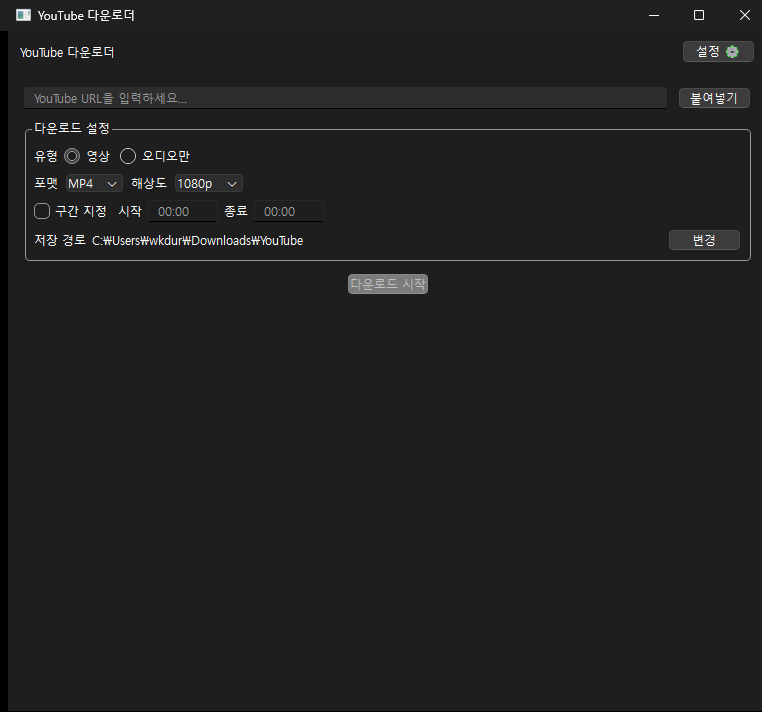
A Windows desktop app. Paste a URL, see the title, duration and thumbnail first, then save video (MP4/MKV/WEBM) or audio (MP3/AAC/FLAC/WAV/OGG) at the resolution you pick, with live progress, speed and ETA.
Screenshots
About this work
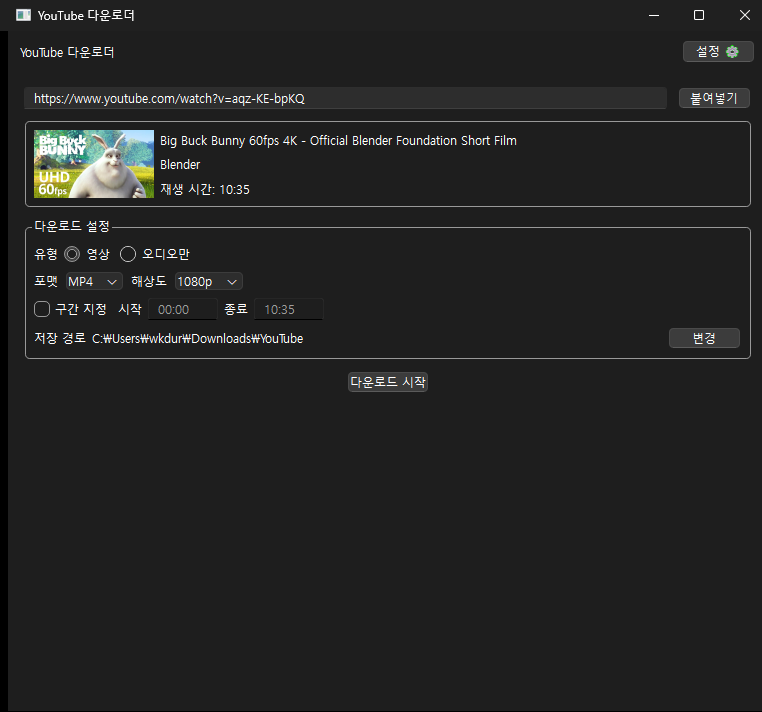
A desktop downloader that needs nothing but a URL. Paste an address and it immediately resolves the title, channel, duration and thumbnail. Pick a format and resolution right there and save.
Highlights
There is one input. Hit paste, the metadata resolves on its own, and the download starts. Nothing to dig through in settings.
Output is video as MP4, MKV or WEBM, or audio as MP3, AAC, FLAC, WAV or OGG. Resolution runs across six steps from 360p to 4K, and you can set a time range to grab only part of a video.
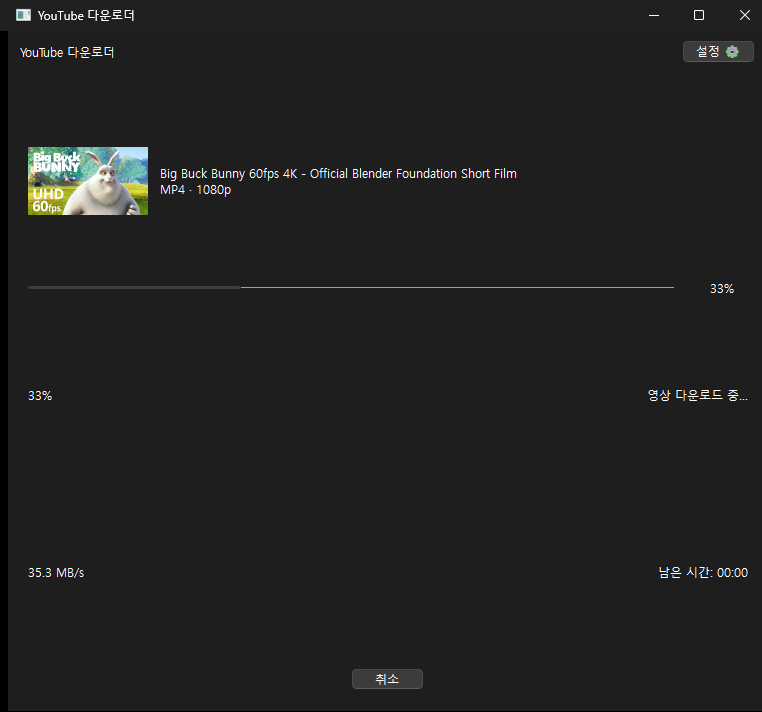
Progress, download speed and ETA update live, with a notification when it finishes. The last used format, resolution and save path carry over to the next run.
Stack
Python with a PyQt6 GUI. yt-dlp handles downloading and a bundled FFmpeg does conversion and muxing. Packaged with PyInstaller into a single executable that runs without a Python install.